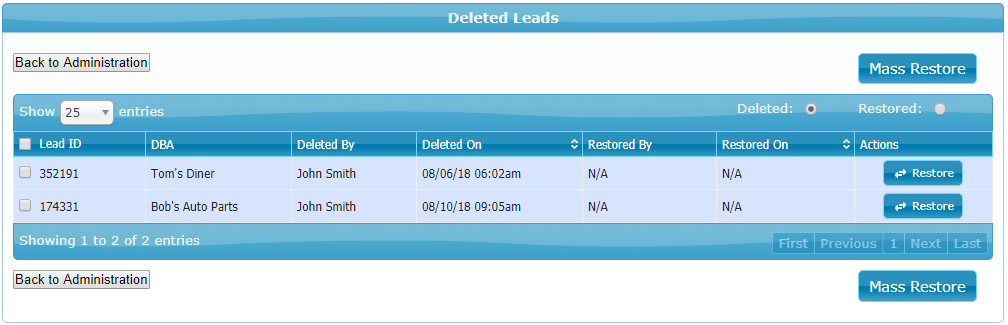
To view a report on deleted leads go to Manage > Administration > Logs > Deleted Leads.
The Deleted Leads page will display a report of your deleted and restored leads:
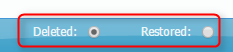
To view only the deleted or only the restored leads select either of these options in the top-right corner of your report, and the report will refresh automatically:
To restore a specific lead click on the Restore button for that lead:

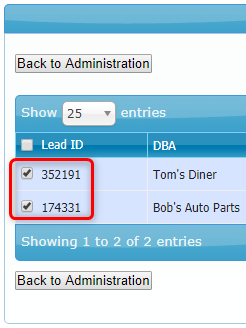
To restore multiple leads, select the leads and click the Mass Restore button in the top right corner of the page:
In both cases, a pop-up will appear that allows you to select the settings to be applied to the restored leads, as well as select the assigned users:
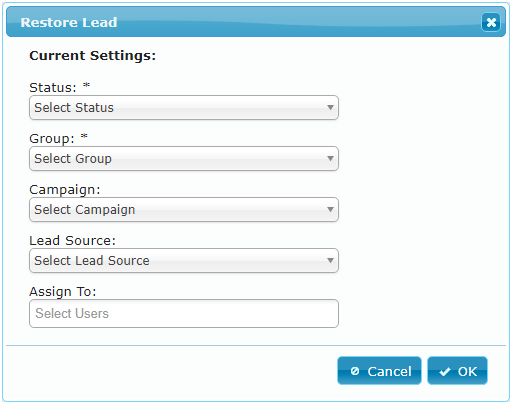
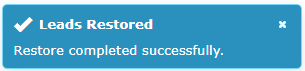
After selecting the lead options click OK and the leads will be restored:
Note: Deleted leads are removed permanently by the system after 30 days.