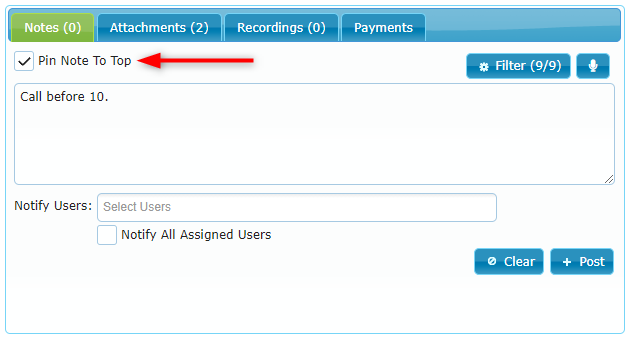
To pin a new note to the top of the Notes tab simply check the Pin Note To Top checkbox and post your note:
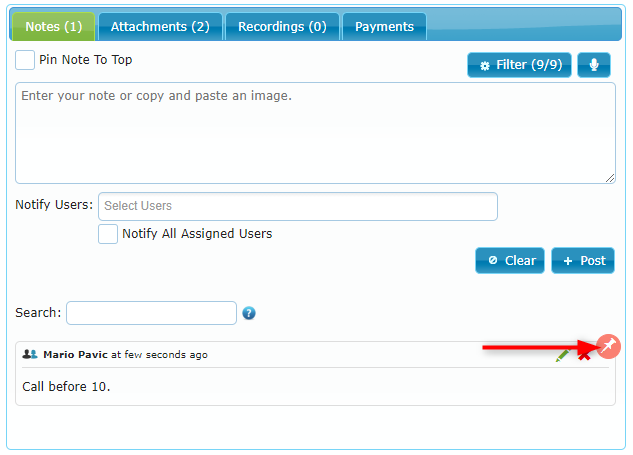
Your note now appears at the top of the Notes with a pin icon:
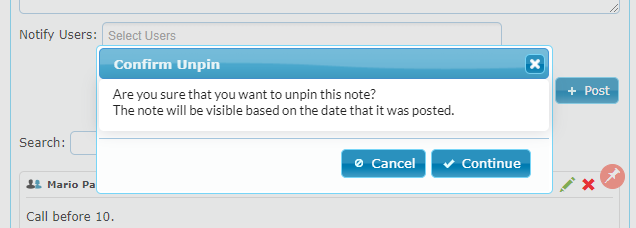
To unpin the note simply click on the pin icon and confirm the unpin:
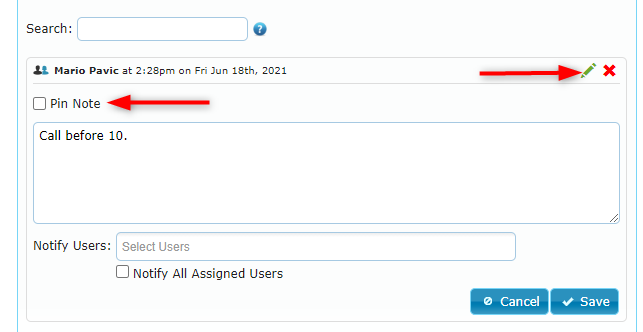
To pin the note again, click on the pencil icon to edit the note, select the Pin Note checkbox again and save your changes: